
Analog Telephone Adapter: How to Choose an ATA for SIP
A single inexpensive device can keep your existing analog phones, faxes, and paging equipment working long after the copper lines behind them are gone.
- The copper network is on a clock. In June 2025, only 15 million end-user switched access lines remained in the U.S. against 63 million interconnected VoIP subscriptions, and switched lines are shrinking at nearly 18% a year.
- Business is the last holdout. Roughly one in six wireline business voice connections still runs over a switched access line, which is where analog telephone adapters earn their keep.
- Port type decides everything. FXS ports face your phones and faxes, FXO ports face the old phone line, and picking the wrong one is the most common buying mistake.
- An ATA is a bridge, not a phone system. It converts signaling and audio, but your PBX or SIP trunk still handles routing and call control.
Before you budget for a full hardware refresh, inventory every analog device you own and price out an adapter first. The cheaper path is usually the one that already works.
Businesses replacing copper lines rarely start from scratch. There’s a fax machine in accounting, a paging amplifier in the warehouse, and a PBX someone configured a decade ago that nobody wants to touch. An analog telephone adapter puts all of it on an IP network without replacing any of it. The device stays in migration plans even as implementing SIP trunking for an existing phone system becomes the default. FCC data shows that of the 53 million wireline business voice connections in the U.S., about 8.6 million still run on switched access lines, and that number falls every reporting period.
This guide covers what the device does, how to pick one, how it wires into a SIP trunk, and what to check when calls misbehave.
What Is an Analog Telephone Adapter?
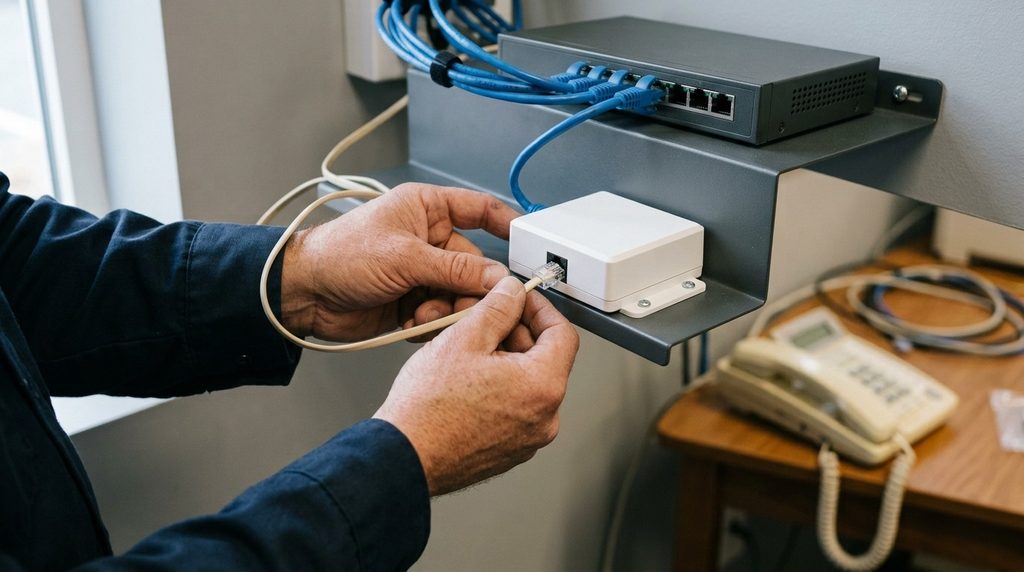
An analog telephone adapter is a small device that connects analog equipment to an IP network so calls travel over the internet instead of copper. It sits between your phone, fax machine, or legacy PBX on one side and your router or switch on the other. You’ll also see it sold as a VoIP adapter or VoIP gateway, and the terms are used interchangeably.
How an ATA Converts Your Calls
The adapter does two jobs at once. It converts the audio signal from your handset into digital packets and back again, and it translates the phone’s behavior into SIP messages your provider understands.
When someone picks up a handset, the adapter supplies dial tone, collects the digits, sends a SIP INVITE to your trunk provider, negotiates a codec, and streams audio as RTP packets. Incoming calls run the same process in reverse, with the adapter generating the ring voltage that makes an old desk phone actually ring. Understanding how SIP trunking works makes the role easier to picture, since the device is a translator at the edge of that trunk.
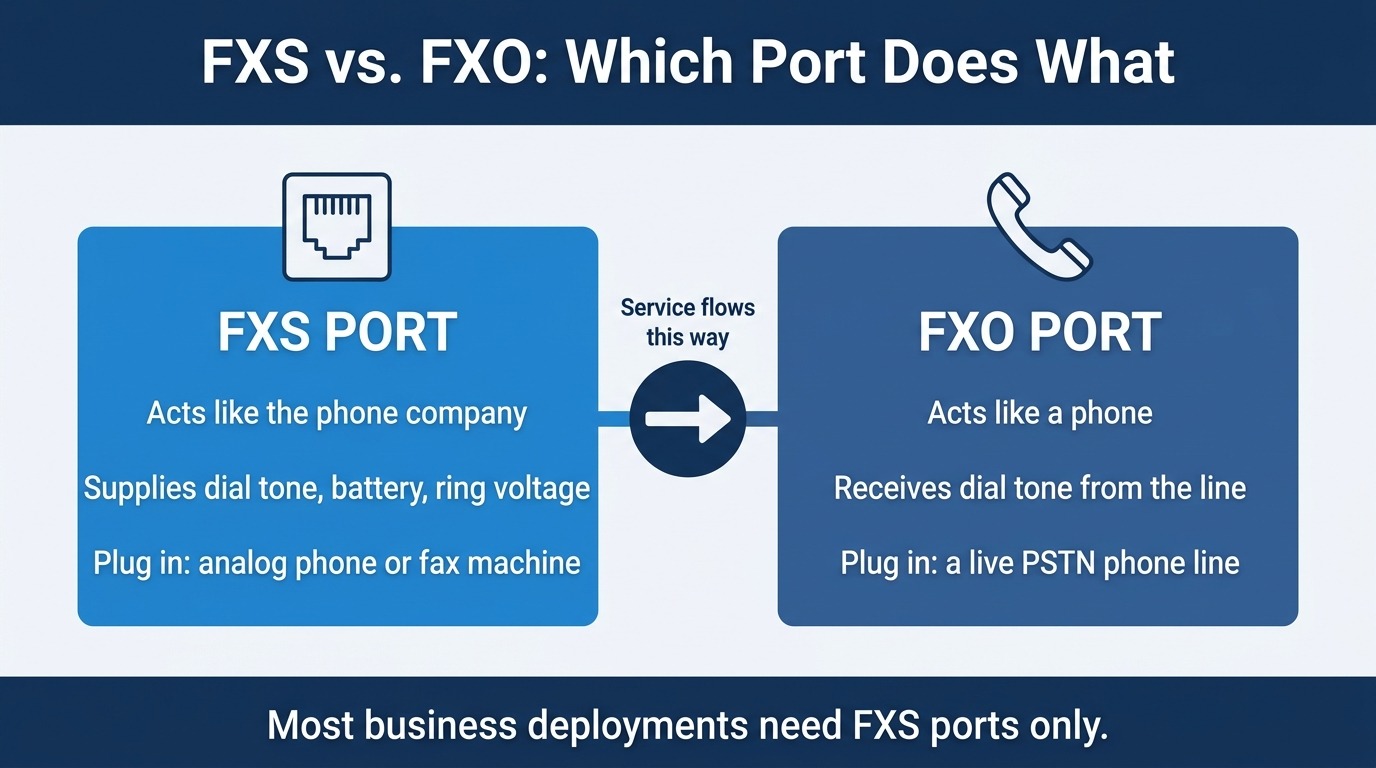
FXS and FXO Ports Explained
Port type is the detail that trips up most first-time buyers. The two port families look identical from the outside but do opposite things, as manufacturer specs for hybrid adapters make clear.
An FXS port behaves like the phone company, supplying dial tone, battery, and ring voltage, so you plug a phone or fax into it. An FXO port behaves like a phone, so you plug an actual phone line into it to keep a landline as a backup path. Most business deployments need FXS ports and nothing else. If you’re counting devices, count FXS.
Why Analog Equipment Still Needs a Bridge to SIP
Analog hardware hasn’t disappeared from U.S. businesses, but the network underneath it is being dismantled on a published schedule. That mismatch is the business case for a telephone adapter.
The Copper Network Is Winding Down
Federal policy has shifted decisively toward retiring legacy copper. The FCC’s accelerated copper retirement rules removed filing and approval steps that used to slow carriers down, giving providers broader authority to grandfather legacy voice service. Carriers have already begun halting new copper orders across large parts of their footprints.
The practical effect is simple. You may not be able to add a line, move a line, or get a failed line repaired on the timeline you’re used to. Planning a migration on your own schedule beats reacting to a discontinuance notice.
Analog Devices That Are Hard to Replace
Not every analog device has a clean IP equivalent, and some are expensive or disruptive to swap out. Fax machines, overhead paging, credit card terminals, gate intercoms, and modems all fall into this category, as does any legacy key system that still does exactly what your staff expects.
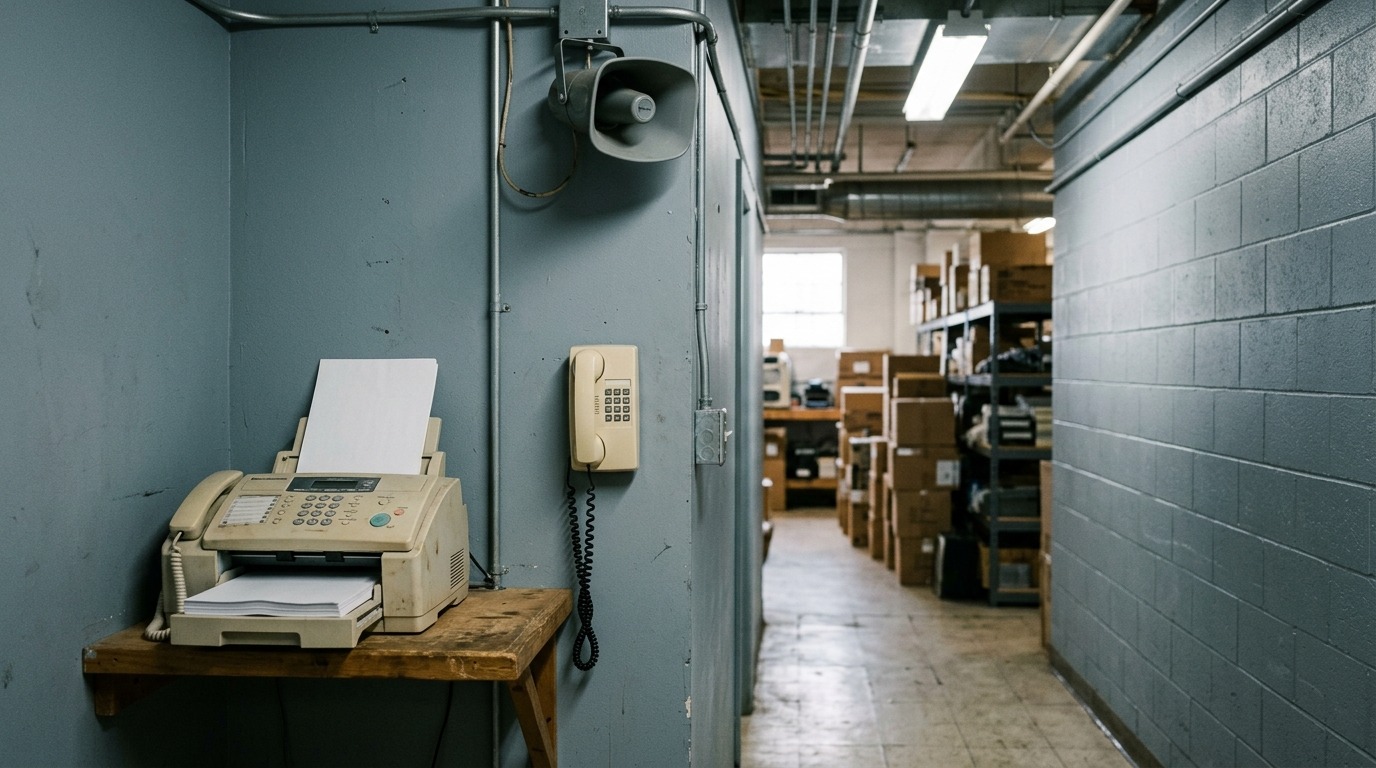
An ATA adapter keeps those devices running on a modern network, and it buys you time to retire them deliberately rather than all at once.
How to Choose an Analog Telephone Adapter: A Selection Guide
Adapters vary more than their similar-looking enclosures suggest. Work through these six criteria in order, and the shortlist usually narrows fast.
- Count your FXS ports, then add headroom. Single-port units suit a lone fax line. Multi-port models come in 4, 8, or 24-port configurations, and buying one size up is cheaper than buying twice.
- Confirm SIP protocol support. Older devices built for H.323 or MGCP won’t register cleanly, and neither will units locked to a specific carrier’s firmware.
- Check codec support, especially G.711 and G.729. G.711 delivers the best audio quality at roughly 85 kbps per call. G.729 compresses the same call into far less bandwidth when upstream is tight.
- Verify T.38 support if fax matters. T.38 relay handles modem tones properly instead of treating them as voice, and it’s the difference between faxes that land and faxes that don’t.
- Look for web-based configuration and provisioning. A browser interface is enough for a handful of devices. Across multiple sites, auto-provisioning saves real hours.
- Match the unit to your PBX plan. A single-line USB adapter will produce garbled calls in front of a PBX. Multi-port units with an Ethernet connection are the right tool for connecting a legacy PBX to SIP trunking.
Mapping the Setup: How an ATA Connects to a SIP Trunk
The setup is straightforward once you can see the signal path. Your analog device plugs into the adapter, the adapter plugs into your network, and your network reaches the provider’s SIP proxy over the internet. Here’s the chain, stage by stage:
| Stage | Component | What Happens Here |
| 1 | Analog phone or fax | Produces the analog audio signal over an RJ-11 cable |
| 2 | FXS port on the adapter | Supplies dial tone, battery, and ring voltage |
| 3 | Adapter processor | Encodes audio into packets and generates SIP signaling |
| 4 | RJ-45 Ethernet port | Hands traffic to the LAN switch or router |
| 5 | Router and firewall | Applies QoS and forwards SIP and RTP traffic |
| 6 | Provider SIP proxy | Authenticates the trunk and routes the call |
| 7 | PSTN or IP destination | Terminates the call to the far end |
Configuration Details You’ll Need
Gather the SIP server address, your authentication method, and the DID numbers you plan to assign. Providers generally offer either username and password credentials or IP address authentication.
If the adapter sits behind NAT, forward UDP 5060 for signaling and a UDP range around 10000 to 20000 for media. Skipping this step is the most common cause of one-way audio. Enable QoS on the router too so that a large download doesn’t chop up a call in progress.
ATA Compatibility Checklist
Run through this list before you purchase or provision anything. Each item takes a minute and prevents a return.
- Does your PBX have an Ethernet or data jack, or is it analog-only? Analog-only systems need a multi-port adapter in front of them.
- How many simultaneous calls does each device need? One FXS port supports one concurrent call.
- Is upstream bandwidth sufficient? Budget roughly 85 kbps up and down per concurrent G.711 call.
- Does the adapter support your provider’s codecs, plus T.38 if you fax?
- Can your router handle QoS and port forwarding for SIP and RTP?
- Do you need E911? Service addresses are set per number, not per device.
- Is the firmware carrier-locked to another provider?
ATA vs. IP Phone: Choosing the Right Endpoint
On a SIP trunk, every endpoint is either analog behind an adapter or IP-native. Both register to the same SIP server, so the question is about hardware you already own versus hardware you’re willing to buy.
| Consideration | Analog Phone + ATA | IP Phone |
| Upfront cost | Low, reuses existing handsets | Higher, one device per user |
| Best fit | Fax, paging, legacy PBX, low-use lines | Knowledge workers, call handling roles |
| Feature access | Basic calling, limited display features | Presence, directories, BLF, multi-line keys |
| Caller ID delivery | Between the first and second ring | Immediate on the display |
| Audio quality ceiling | Narrowband, codec-dependent | Supports wideband codecs |
| Power backup | One UPS covers a multi-port unit | Requires PoE or a UPS per phone |
| Lines per device | Limited by FXS port count | Limited mainly by bandwidth |
When a Mixed Deployment Makes Sense
Most businesses land in the middle rather than choosing one approach outright. Sales and support desks get IP phones for the display features and call handling. The fax line, warehouse paging amp, and lobby phone stay analog behind a VoIP adapter because replacing them buys nothing.
This hybrid pattern is common in SIP trunking for small businesses, where the budget rarely stretches to replacing every endpoint at once. It also keeps the migration reversible.
Protecting Call Quality on a VoIP Adapter
Older VoIP calls had a reputation for choppy audio, and some of it was earned. Modern adapters address the problem with echo cancellation and jitter buffering, which smooth out the timing variations that make speech sound clipped. The bigger variable now is your own network. Give voice traffic priority at the router, keep upstream bandwidth in reserve, and confirm your connection stays stable under load. If you’re weighing whether the trunk or the endpoint is the right place to fix a quality issue, the difference between SIP and VoIP is a useful frame.
Fax deserves its own note. Even with T.38 enabled, occasional retransmissions are normal at high volume, and companies that treat fax as mission-critical often use a dedicated fax solution.
Analog Telephone Adapter Troubleshooting FAQs
Why is my ATA not registering with the SIP server? Registration failures usually trace back to credentials or network path. Confirm the server address, username, and password match what your provider issued, and check whether the trunk uses IP authentication instead. If credentials are correct, verify the adapter has a valid IP address and that your firewall allows UDP 5060 outbound.
What causes one-way audio on an ATA for SIP? One-way audio is a media problem rather than a signaling problem, since the call connected at all. The usual cause is NAT blocking RTP traffic. Forward the UDP media range your provider specifies, typically 10000 to 20000, and confirm no SIP ALG feature on the router is rewriting packets.
Why do my faxes fail intermittently through a telephone adapter? Fax modems don’t tolerate jitter and packet loss well. Enable T.38 on both the adapter and the trunk, and disable voice compression on that port so the tones aren’t mangled. If failures continue, that line is a candidate for a dedicated fax service.
Can I plug my old PBX into a single-port ATA adapter? No. Single-port and USB-style adapters are built for one analog line and will produce dropped or garbled calls behind a PBX. Use a multi-port unit with an Ethernet connection and enough FXS ports to match your PBX’s line appearances.
Why does call quality drop only at certain times of day? That pattern points to bandwidth contention rather than hardware. Test by starting a large download while a call is active. If audio degrades, enable QoS to prioritize voice and confirm your upstream supports your peak concurrent call count.
Does an analog telephone adapter support 911 calling? Yes, but it has to be configured. E911 is assigned per phone number with a registered physical address, not inherited from the adapter. Set the service address for every DID that could dial 911, and update it whenever the equipment moves.
Put Your Existing Phones on a Modern Network
The analog equipment in your building isn’t a reason to delay a migration, and it doesn’t have to be replaced to survive one. Inventory every analog device, count the FXS ports you’d need, confirm codec and T.38 support, and the path forward usually costs less than a rack of new hardware.
SIP.US supports analog telephone adapters alongside every major SIP-enabled PBX, with instant provisioning and a self-service control panel for adding channels and numbers in minutes. Start your free trial and connect your first trunk today.

Mitch leads the Sales team at BCM One, overseeing revenue growth through cloud voice services across brands like SIPTRUNK, SIP.US, and Flowroute. With a focus on partner enablement and customer success, he helps businesses identify the right communication solutions within BCM One’s extensive portfolio. Mitch brings years of experience in channel sales and cloud-based telecom to every conversation.
Free SIP Trunk in 60 Seconds
Related Posts

What Is a DID Number? Direct Inward Dialing Explained
Unlock the potential of your communication system with our Beginner’s Guide to DID Numbers and SIP Trunks, offering cost-effective, scalable solutions for modern businesses and individuals.
What Is SIP? A Complete Guide to Session Initiation Protocol
Discover everything about SIP and how it revolutionizes communication. Learn what is SIP, its benefits, and how to implement it in your business for better connectivity.

What Is Internet Protocol? IP Definition and How It Works
Internet protocol is the addressing and routing system that gets every business call, email, and…